





Everything important at a glance for this product

Delivery is available within 3 hours during working hours for products that do not require installation or assembly

Installment options available for this product: Tabby, Deema, Taly.

Backed by an authorized agent warranty on eligible products



 Estimated delivery:1 work day
 Free return within: 14 days of purchaseSecure shopping your data is always safe
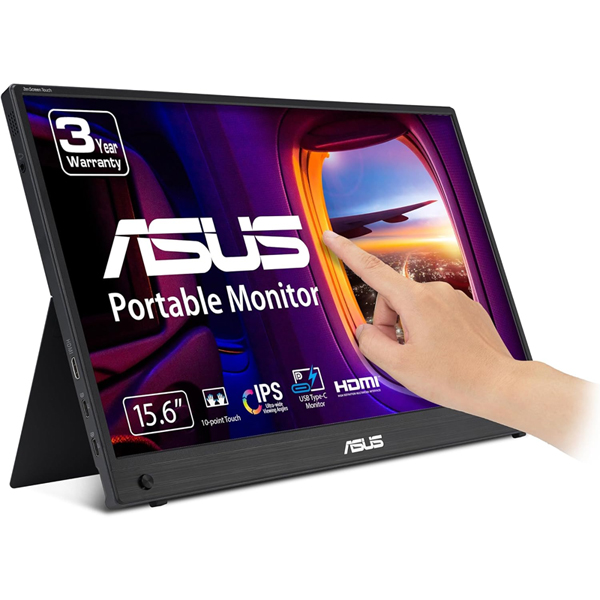
ZenScreen Touch MB16AHTASUS ZenScreen Touch MB16AHT portable monitor — 16 inch (15.6 inch viewable) FHD (1920 x 1080), IPS, 10-point touch, Mini-HDMI, ergo kickstand, tripod socket, ASUS Flicker Free and Low Blue Light technologies
| |
 | |
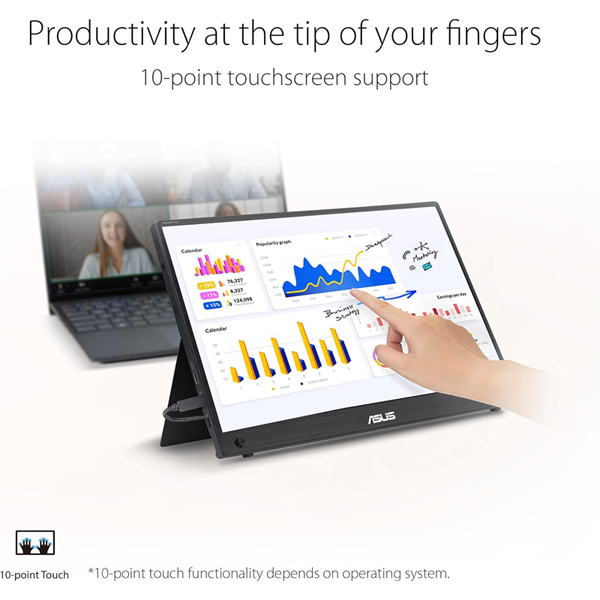 | |
Productivity at the tip of your fingersASUS ZenScreen Touch MB16AHT is a 15.6-inch IPS FHD portable monitor with responsive and intuitive 10-point touch functionality* that allows users to swipe, scroll, drag and pinch gestures to help you get tasks done more efficiently. Dual USB-C™ and mini-HDMI connectivity enables displaying content from a wide-range of devices, so you can enjoy an expansive view for the best work and entertainment experiences, wherever you go. Two users are shown interacting with ZenScreen Ink’s 10-point touchscreen. | |
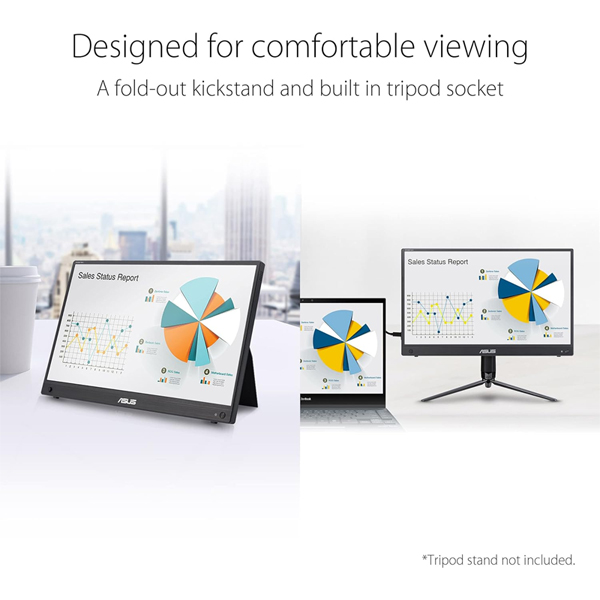
Designed for comfortable viewingA fold-out kickstand props ZenScreen Touch MB16AHT up on any flat surface and offers easy tilt adjustments to ensure comfortable viewing angles and working positions. In addition, a ¼ -inch threaded tripod socket at the rear lets you attach the monitor to a standard tripod* or table mount. *Tripod stand not included. | |
 | |
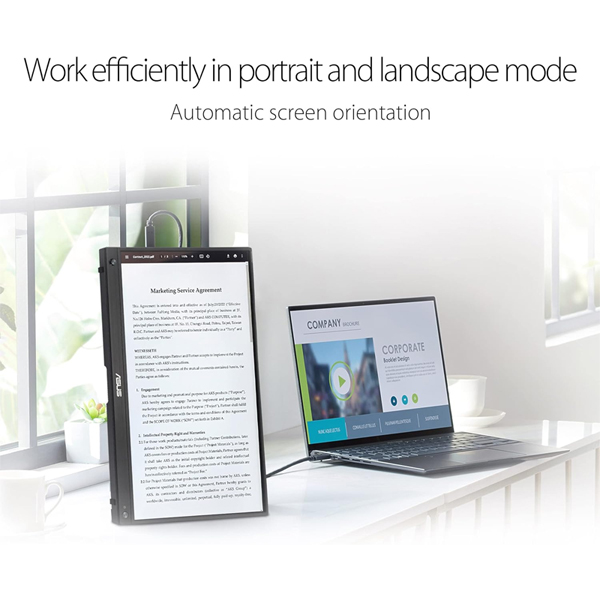 | |
Automatic screen orientationWhen connected to a Windows PC, the ASUS DisplayWidget Lite tool* enables ZenScreen to sense its orientation and automatically switches the display between landscape and portrait modes. Landscape mode is ideal for presentations and spreadsheets, while portrait style provides the perfect long view for documents, books or websites. *Software required. Auto-rotate function works only with the Windows operating system. | |
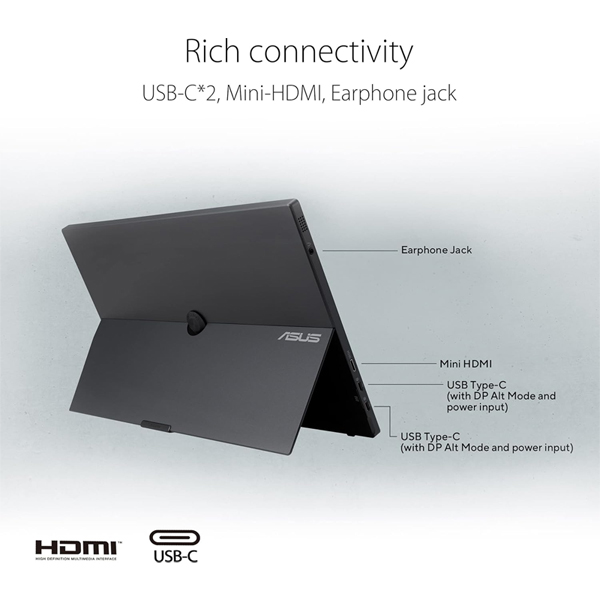
Rich connectivityZenScreen Touch MB16AHT includes a mini HDMI port and two USB-C* ports to allow audio-video signals, power input and data(for touch function) transmission.
| |
 | |
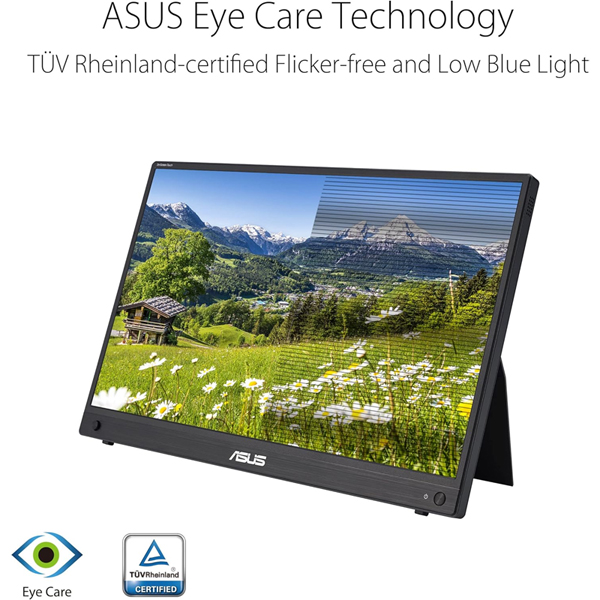 | |
Protect your eyes with ASUS Eye Care technology
|


 Login
Login

 العربية