





Everything important at a glance for this product

Delivery is available within 3 hours during working hours for products that do not require installation or assembly

Installment options available for this product: Tabby, Deema, Taly.

Backed by an authorized agent warranty on eligible products



 Estimated delivery:1 work day
 Free return within: 14 days of purchaseSecure shopping your data is always safe
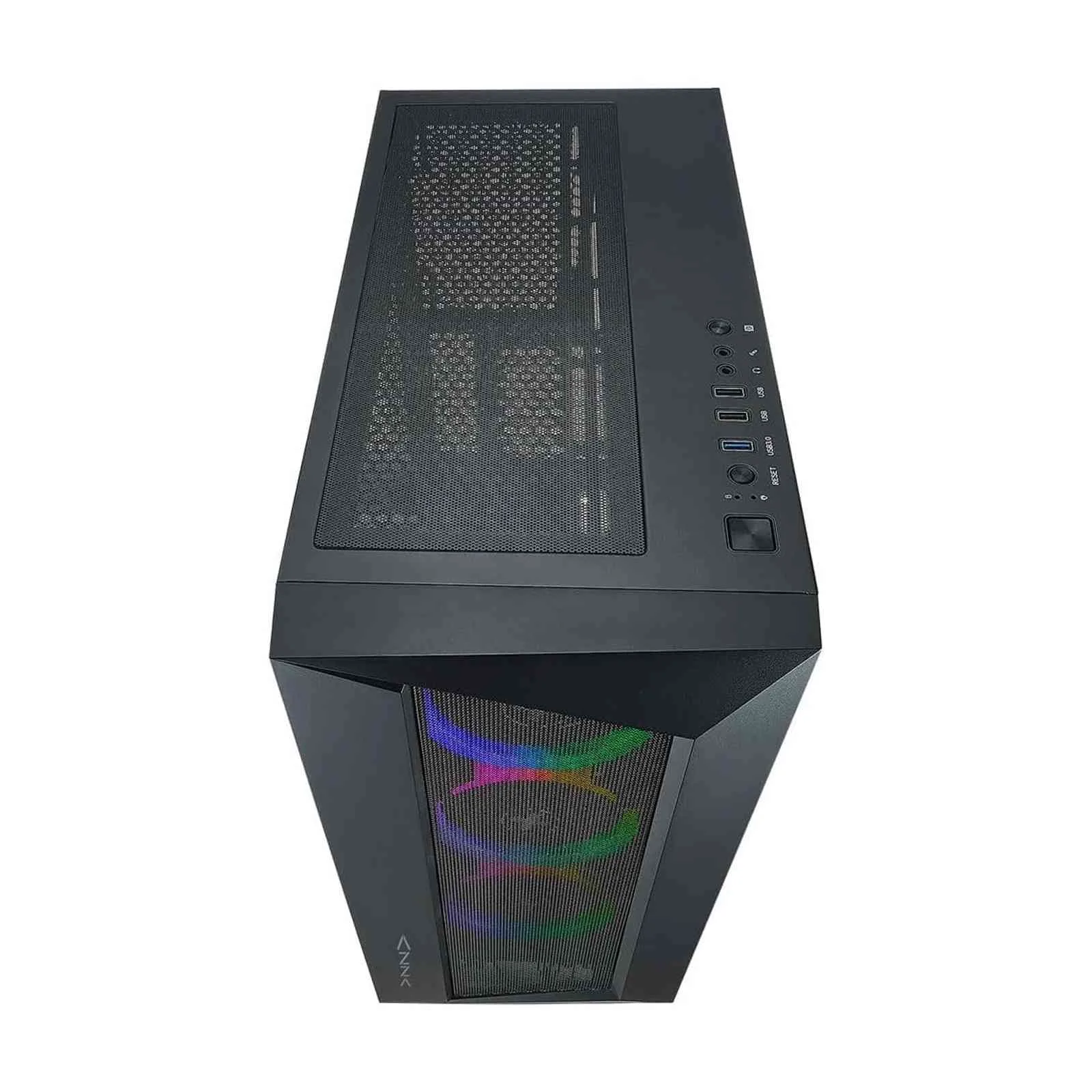
OCTANE AThe Octane 460A is a stylish ATX mid tower for gamers looking for a mid-range case. The case features addressable RGB light effects, allowing for all ARGB light synchronize devices to connect to the ARGB header. The 3 ARGB fans are pre-installed behind a stylized mesh front panel, making this a visually appealing airflow case. | 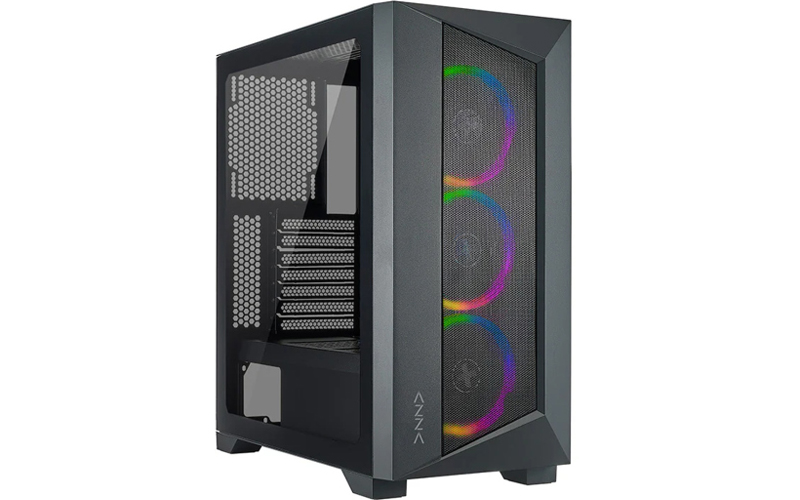 |
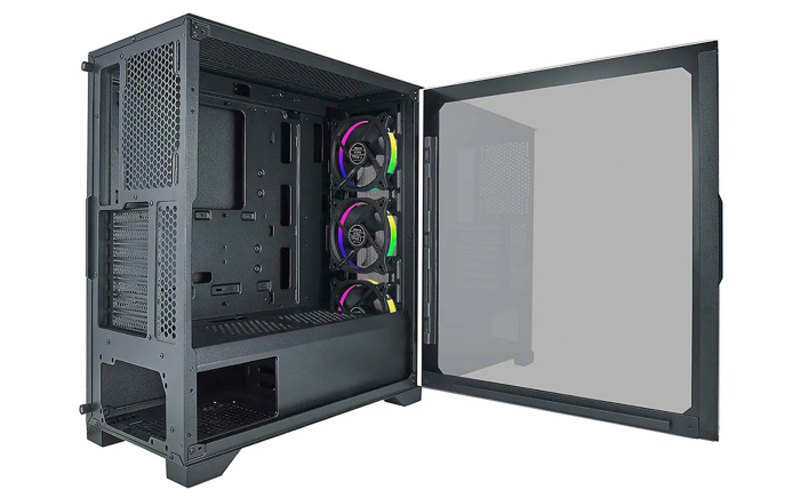 | COOLING SUPPORTSupports up to 360mm long video card. Available Fan Ports:3x120mm or 3x140mm Fan ports in the front (CSAZ-460A: 3x120mm ARGB fan included) 3x120mm or 2x140mm Fan ports on the top Supports radiators up to 280/360mm in the Front Supports radiators up to 240mm in the Top |
SSD/HDD SUPPORTMultifunctional hard disk bracket support 3.5”HDD or 2.5” SSD x 1 (B) Multifunctional hard disk cage support 3.5”HDD or 2.5” SSD x 1 (A) 2.5" SSD metal tray support 2.5” SSD x 2 (C、D) Press the LED button to cycle through different RGB lighting modes, controlled by the LED button though the ARGB control board. Hold the LED button for 3 seconds to switch the RGB control function between motherboard RGB software and LED button. | 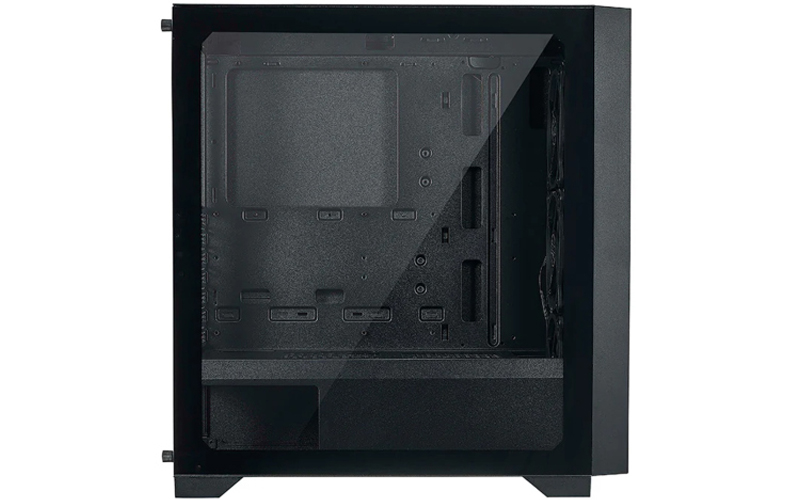 |


 Login
Login

 العربية