






Everything important at a glance for this product

Delivery is available within 3 hours during working hours for products that do not require installation or assembly

Installment options available for this product: Tabby, Deema, Taly.

Backed by an authorized agent warranty on eligible products



 Estimated delivery:1 work day
 Free return within: 14 days of purchaseSecure shopping your data is always safe
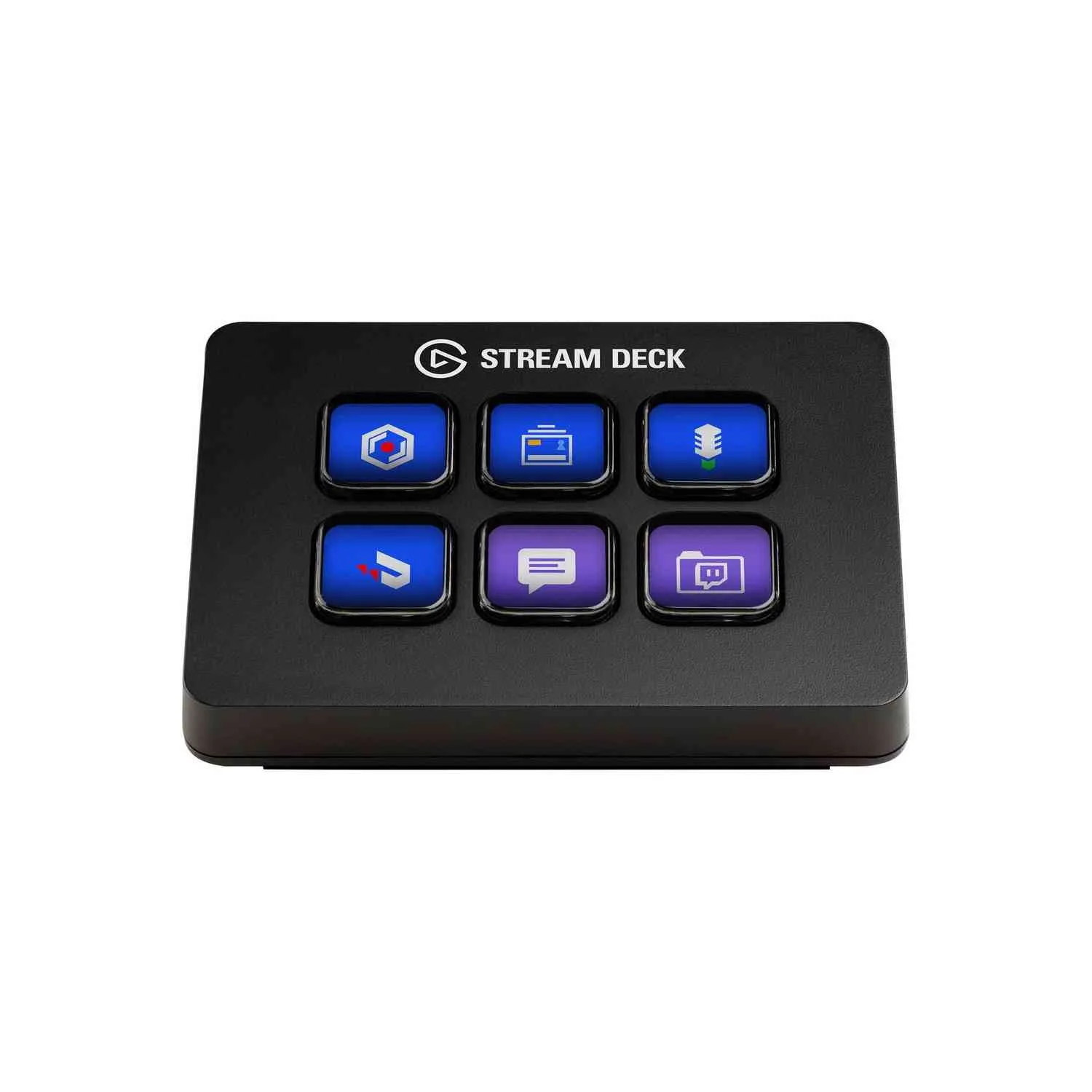
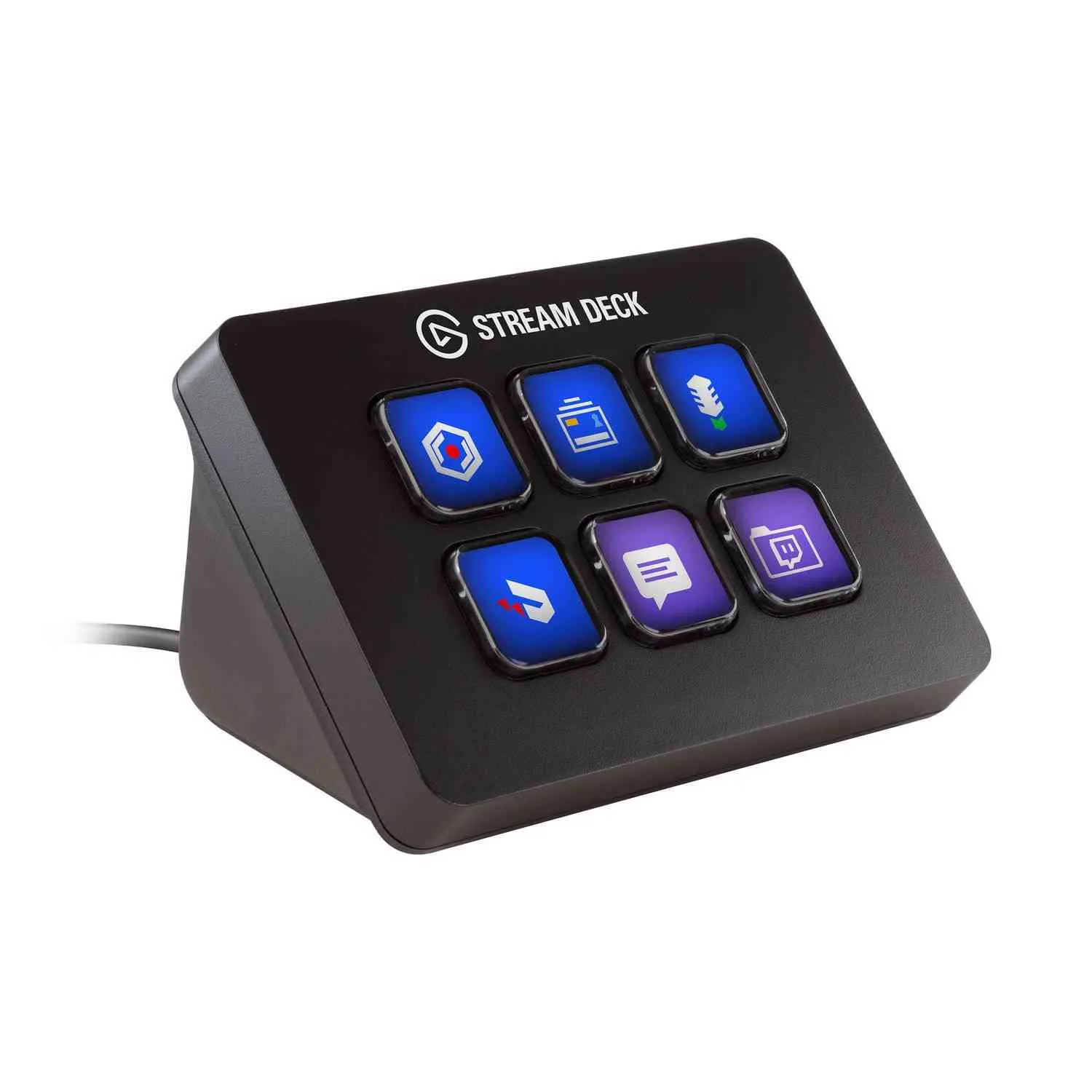
Programmable KeysThe Elgato Stream Deck Mini features six customizable LCD keys that allow you to control various functions during your live streams. Each key can be programmed to perform actions such as launching media, switching scenes, or adjusting audio settings. This flexibility enhances your streaming experience by providing quick access to essential controls. | |
 | |
 | |
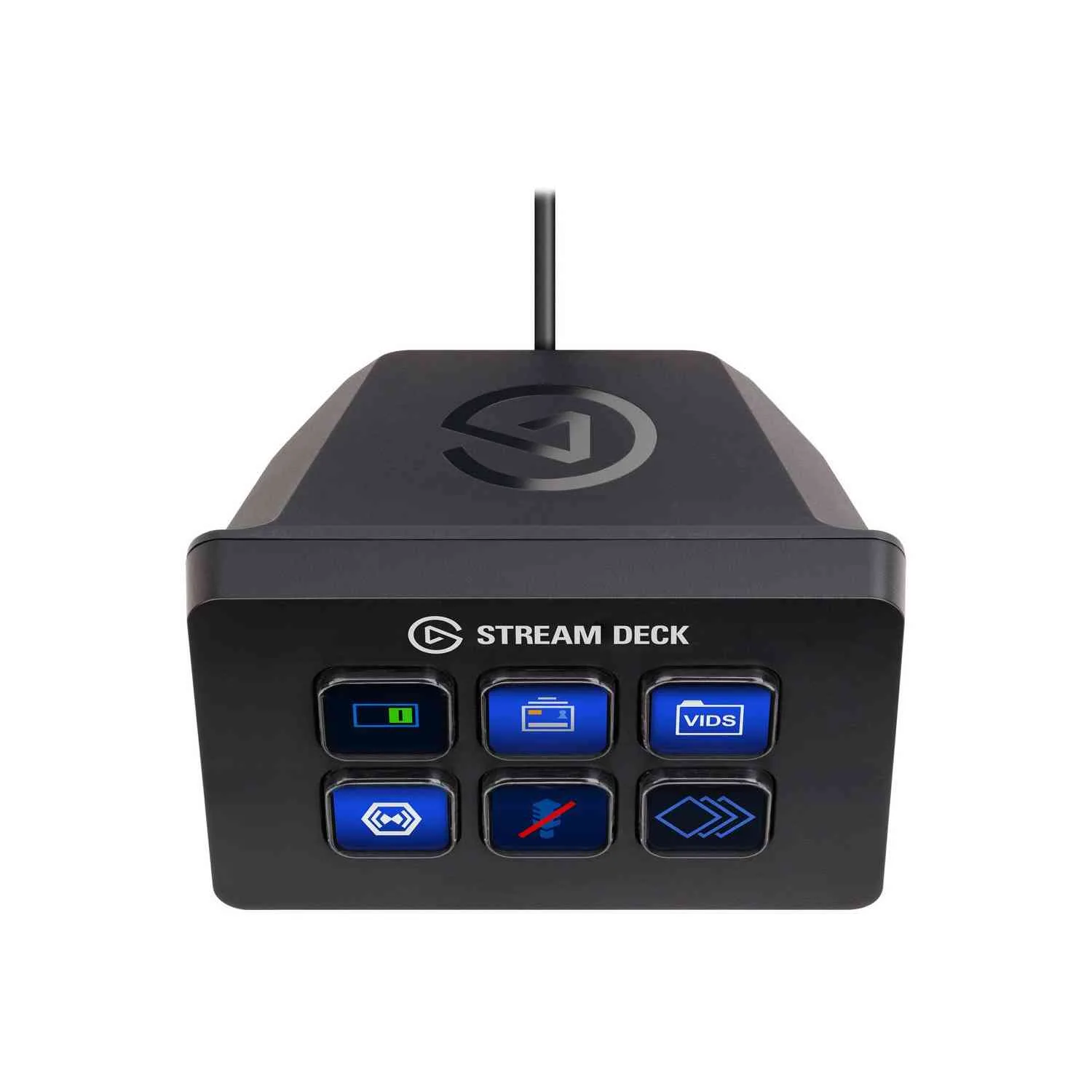
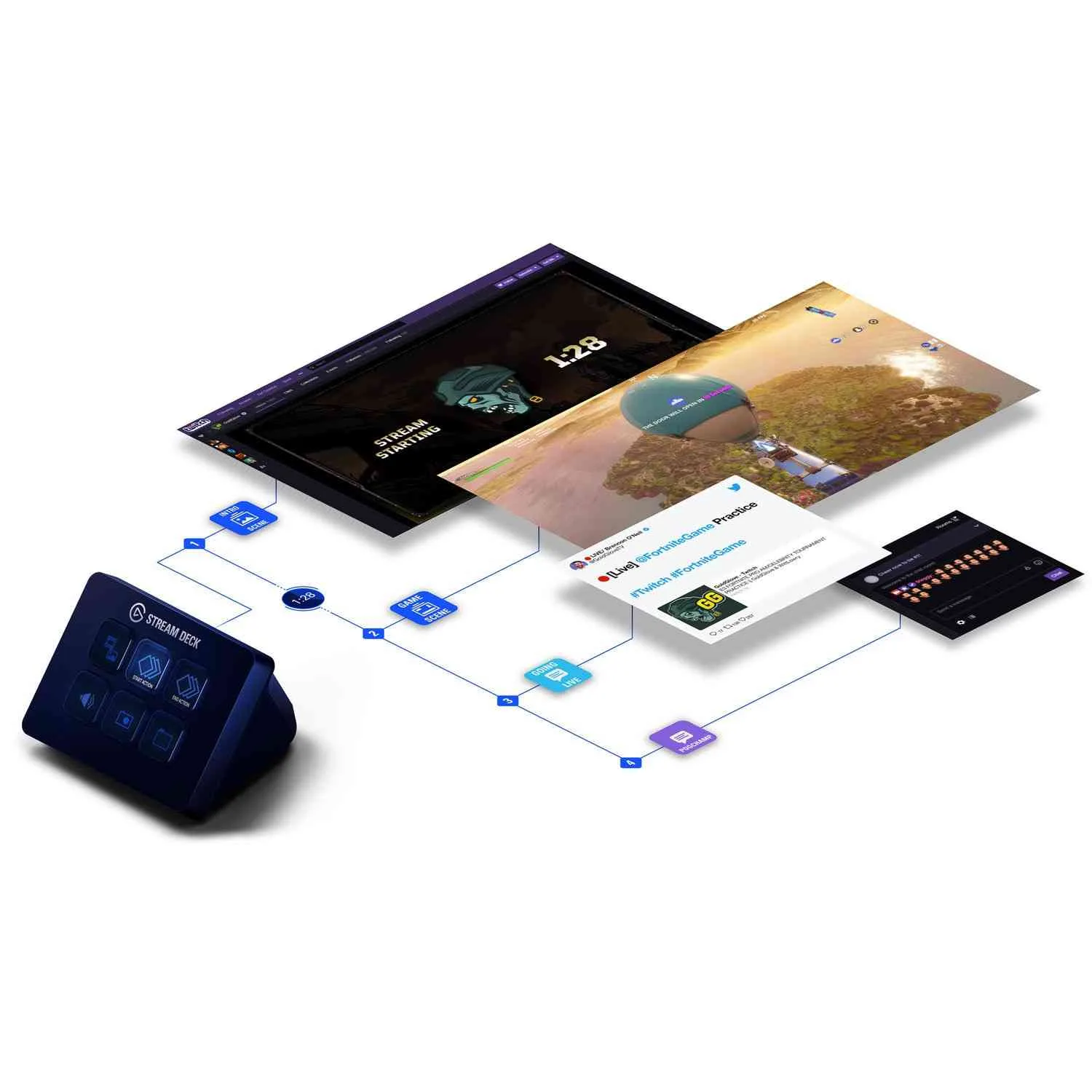
Unlimited ControlTransform your streaming workflow with the ability to turn keys into folders, granting access to an unlimited number of actions. This feature allows for efficient organization and quick navigation through your streaming commands. Easily manage complex tasks with a simple tap. Elgato | |
Multiple ActionsWith the Elgato Stream Deck Mini, you can launch multiple actions simultaneously or sequentially with a single tap. This capability streamlines your workflow, allowing you to execute complex commands effortlessly. Enhance your productivity during live streams with this powerful feature. Elgato | |
 | |
 | |
Customizable IconsPersonalize your Stream Deck Mini keys with custom icons or choose from a library of over a hundred options. This customization allows you to create a visually appealing and intuitive interface tailored to your specific needs. Make your streaming setup uniquely yours. Elgato | |
Direct IntegrationThe Stream Deck Mini offers direct integration with popular streaming software such as Game Capture, OBS, XSplit, Streamlabs, Twitch, YouTube, and Mixer. This compatibility ensures that you can seamlessly control your streaming environment without any hassle. Enhance your streaming capabilities with this integrated solution. Elgato | |
 | |
 | |
Easy SetupSetting up the Elgato Stream Deck Mini is straightforward with its drag-and-drop interface. Simply drag actions onto the keys in the accompanying app to configure your setup quickly. This user-friendly approach makes it accessible for both beginners and experienced streamers alike. Elgato |


 Login
Login

 العربية