





Everything important at a glance for this product

Delivery is available within 3 hours during working hours for products that do not require installation or assembly

Installment options available for this product: Tabby, Deema, Taly.

Backed by an authorized agent warranty on eligible products


 Estimated delivery:1 work day
 Free return within: 14 days of purchaseSecure shopping your data is always safe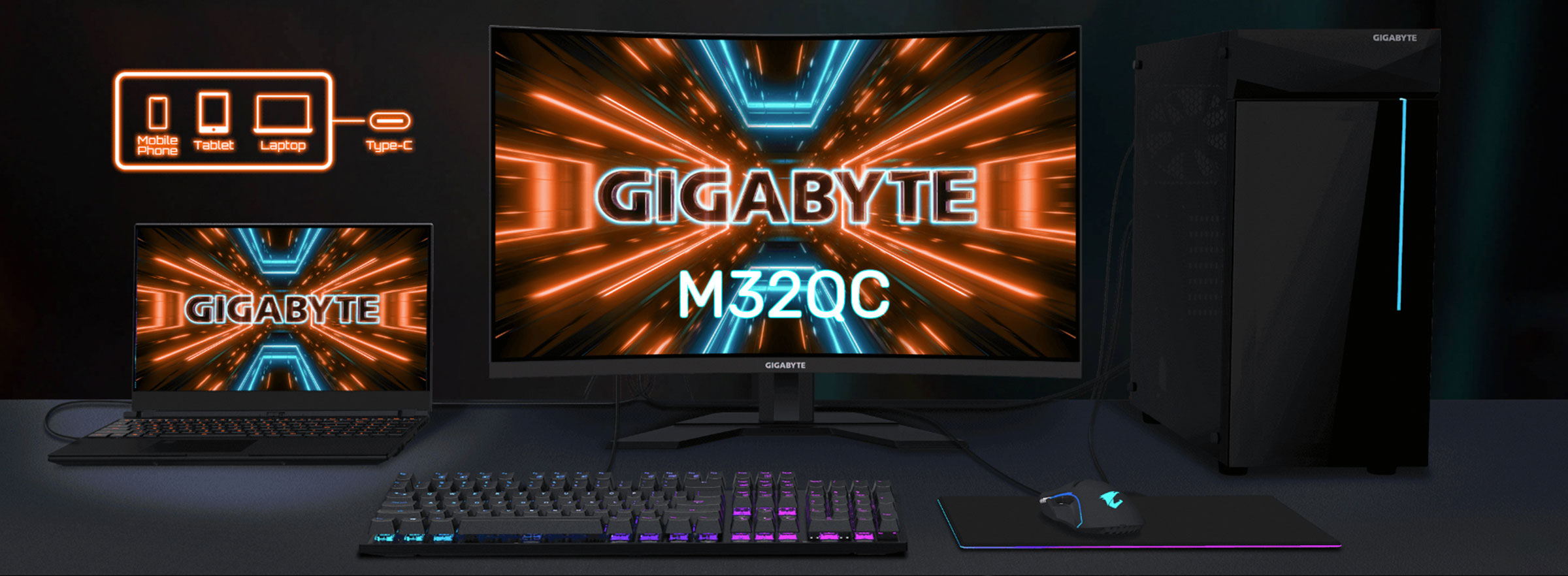
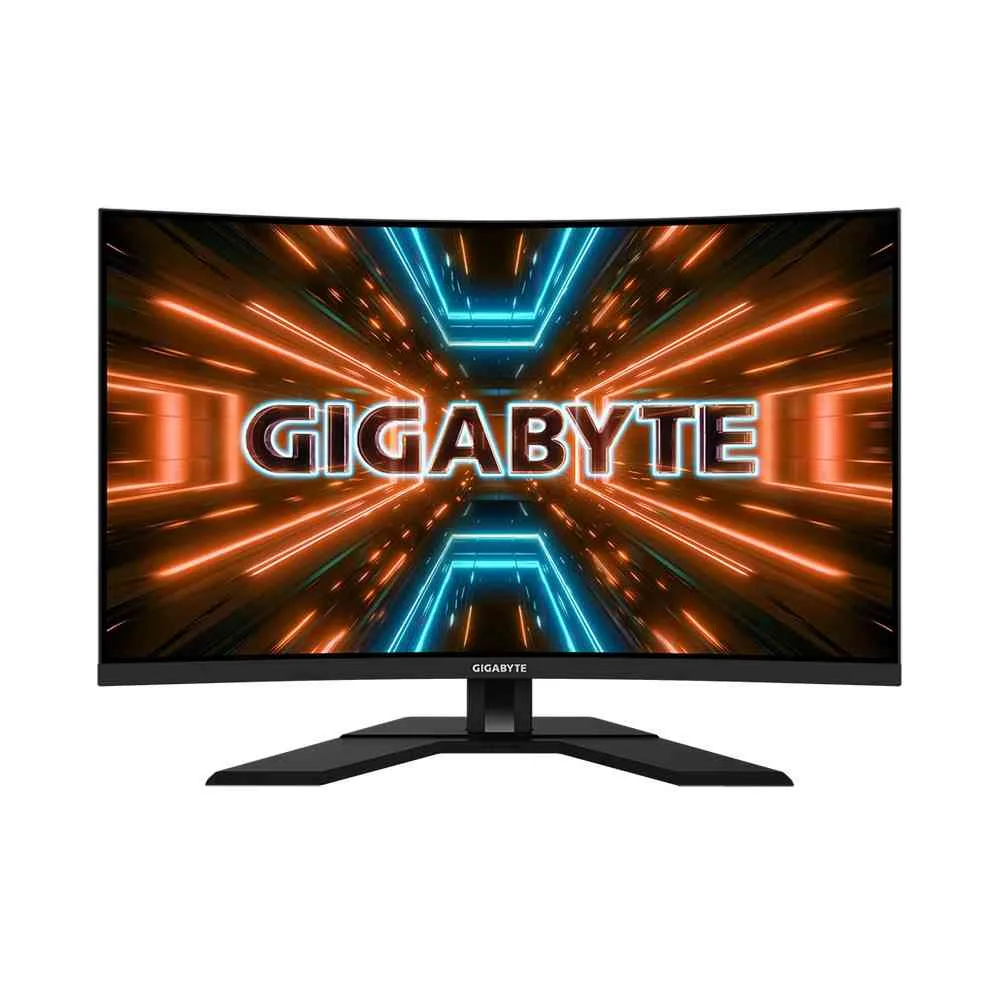
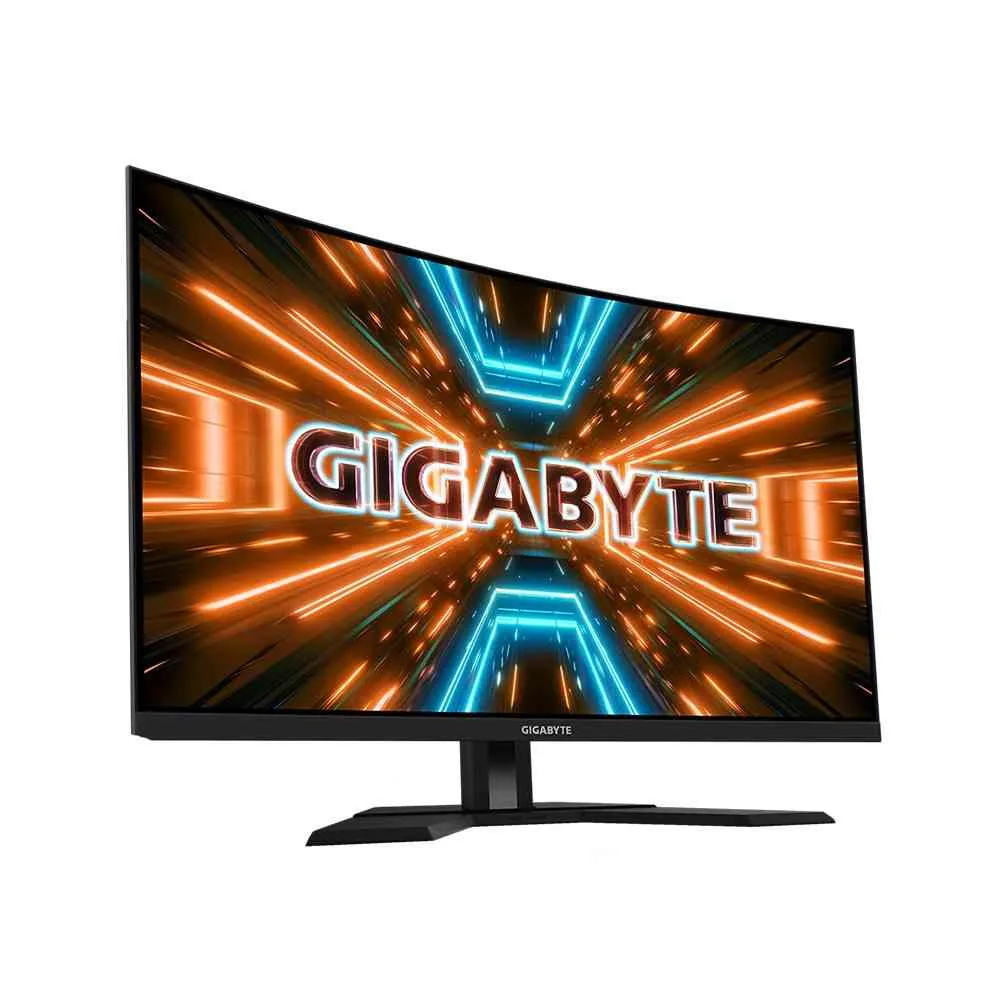
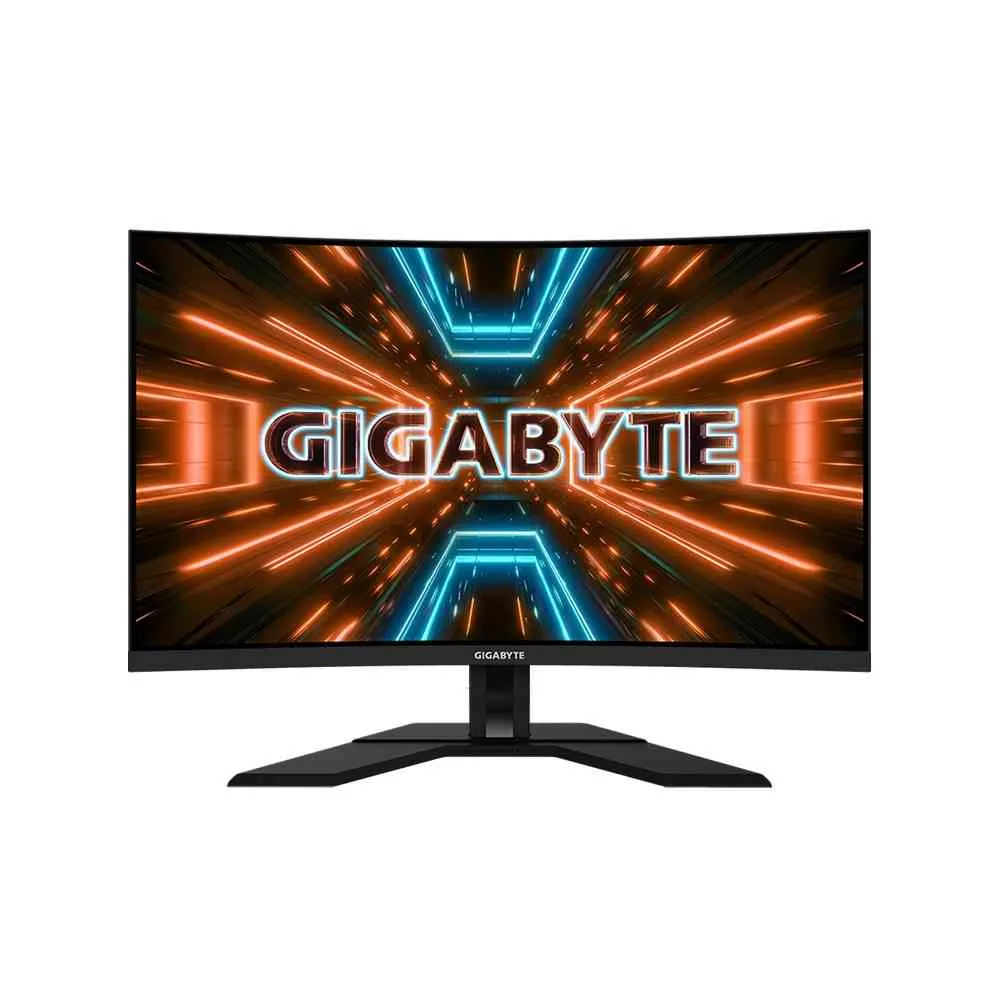
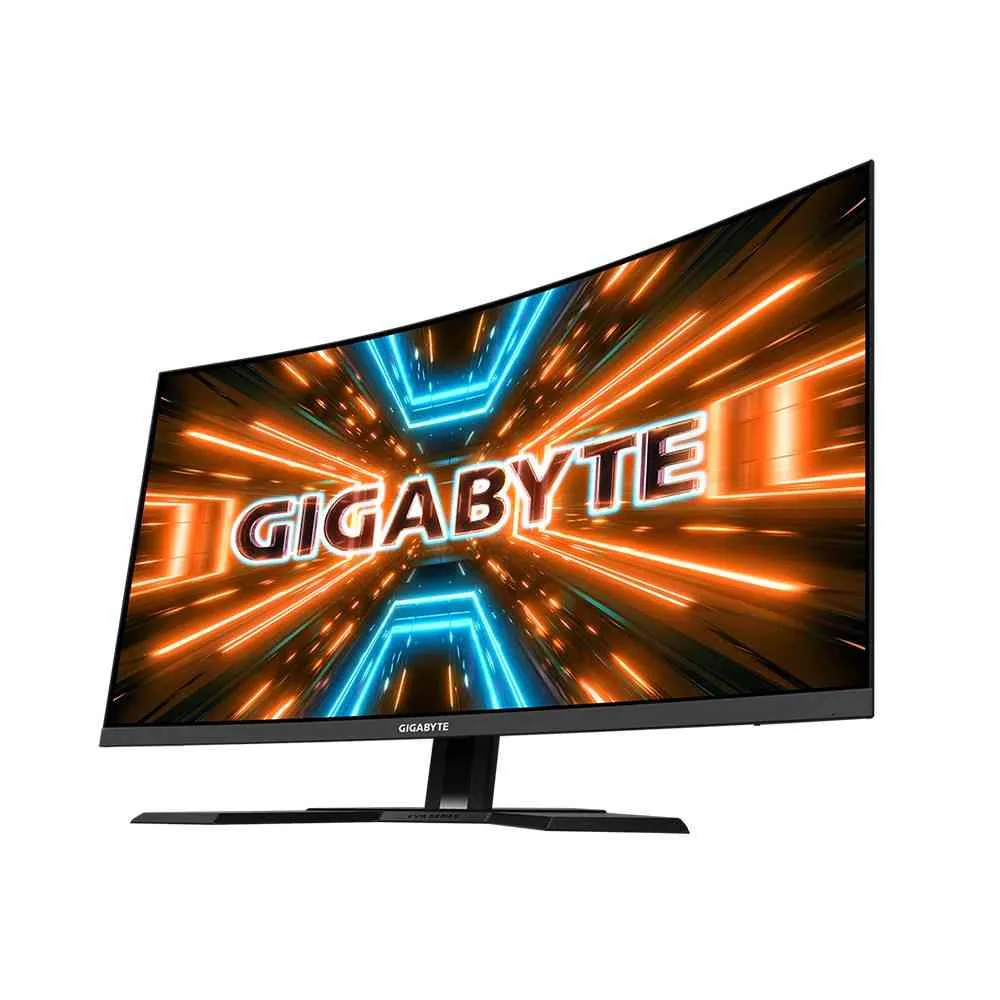
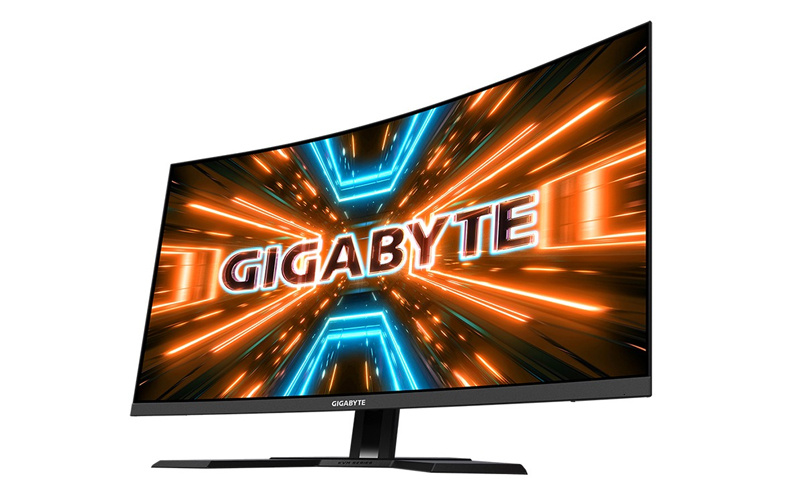
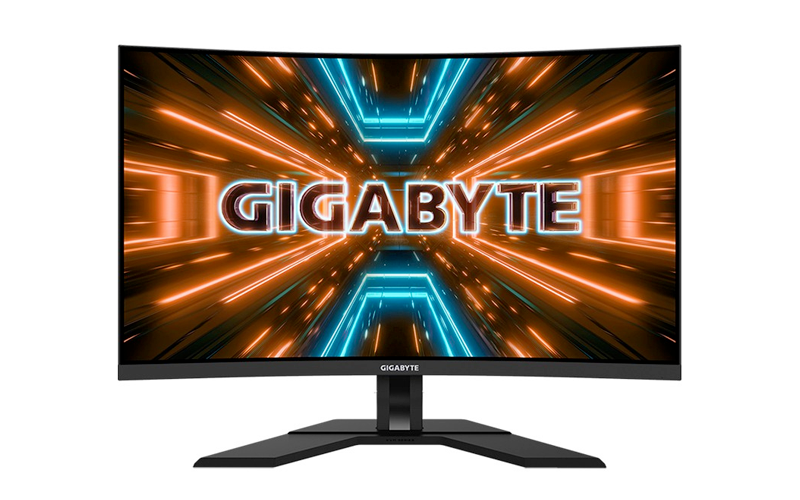
The Gigabyte M32QC is a 31.5-inch curved QHD gaming monitor that excels in creating an immersive experience, especially in games and dark-room viewing. Its notable features include a high refresh rate, a strong contrast ratio from its VA panel, and an integrated KVM switch for controlling multiple devices.
Display and performanceResolution and panel: The M32QC features a 31.5-inch 1500R curved Vertical Alignment (VA) panel with a QHD resolution of 2560 x 1440 pixels. The 1500R curvature provides a more immersive feel by presenting a view that is closer to the natural human eye. Refresh rate and response time: The monitor has a native 165Hz refresh rate that can be overclocked to 170Hz, delivering fluid gameplay. Its 1ms MPRT (Moving Picture Response Time) helps reduce motion blur for a smoother gaming experience. Color and contrast: It features an 8-bit color depth with a wide color gamut, covering 94% of the DCI-P3 and 123% of the sRGB color spaces. The VA panel offers a high static contrast ratio of 3000:1, which produces deep blacks and vibrant colors. HDR support: The M32QC is certified for VESA DisplayHDR 400, providing a peak brightness of around 400 nits and an enhanced contrast for HDR content. Adaptive Sync: For tear-free and low-latency gaming, the monitor supports AMD FreeSync Premium Pro, and VRR also works with NVIDIA G-SYNC over DisplayPort. | |
 | |
 | |
Gaming and productivity featuresKVM Switch: A standout feature is the built-in KVM (Keyboard, Video, Mouse) switch, which allows you to control multiple devices using a single keyboard, mouse, and monitor. A dedicated button on the back makes switching between connected PCs easy. Game Assist: The monitor includes on-screen features such as customizable crosshairs, a refresh rate tracker, timers, and an Eagle Eye function for zooming in on the screen. Aim Stabilizer Sync: This technology reduces motion blur during fast-paced action while simultaneously working with Adaptive Sync. Black Equalizer: This feature enhances visibility in dark areas without overexposing bright parts of the screen, helping you spot enemies more easily. OSD Sidekick: You can use your keyboard and mouse to easily navigate and adjust the monitor's settings through the OSD Sidekick desktop application. Picture-in-Picture/Picture-by-Picture (PiP/PbP): These modes allow you to view multiple video sources on the screen at the same time. | |
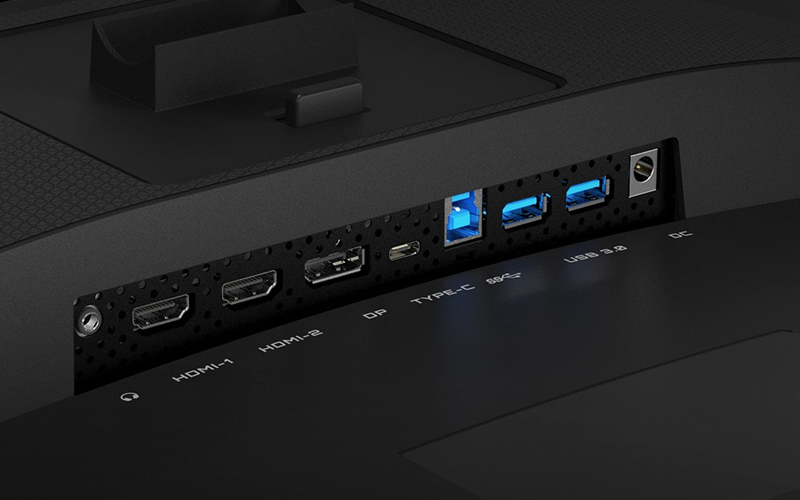
ConnectivityPorts: The M32QC has a variety of connection options, including: | |
 | |
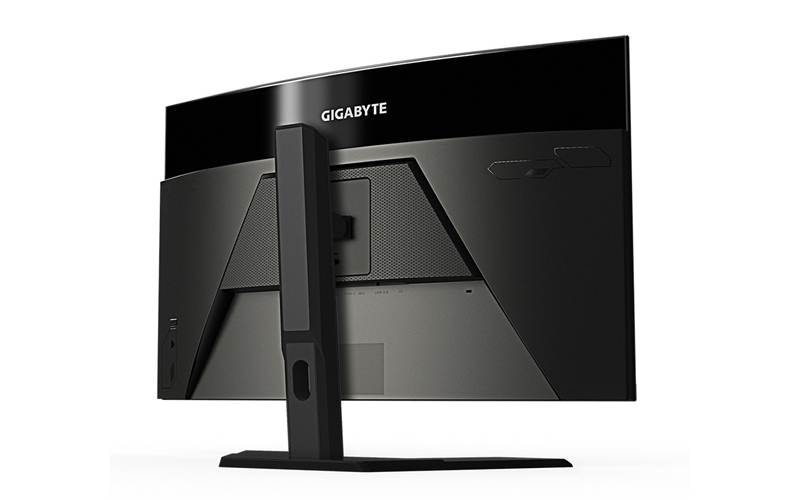 | |
Potential drawbacksVA Ghosting: As with many VA panels, there can be some noticeable ghosting or black smearing in dark scenes. However, it is considered tolerable for most gamers. Sub-par viewing angles: While the VA panel offers excellent contrast, the viewing angles are narrower than on an IPS panel, which can lead to color and saturation shifts when viewing the screen from the sides. Stand Limitations: The lack of swivel and pivot adjustments in the stand can limit placement flexibility |


 Login
Login

 العربية