Welcome to A2Z MegaStore Kuwait 🇰🇼 | 💻 Best prices on laptops, gaming builds, and computer accessories | 🛠️ Build the gaming PC that fits you with our Build Your PC service and professional assembly | 🎯 Ongoing offers and exclusive discount coupons | 💳 Split your payment into up to 4 interest-free installments with Tabby, Deema, and Taly | 🚚 Fast same-day delivery across Kuwait


  • Instagram
  • Snapchat
  • TikTok
  • YouTube
Product Image
Product Image
Product Image

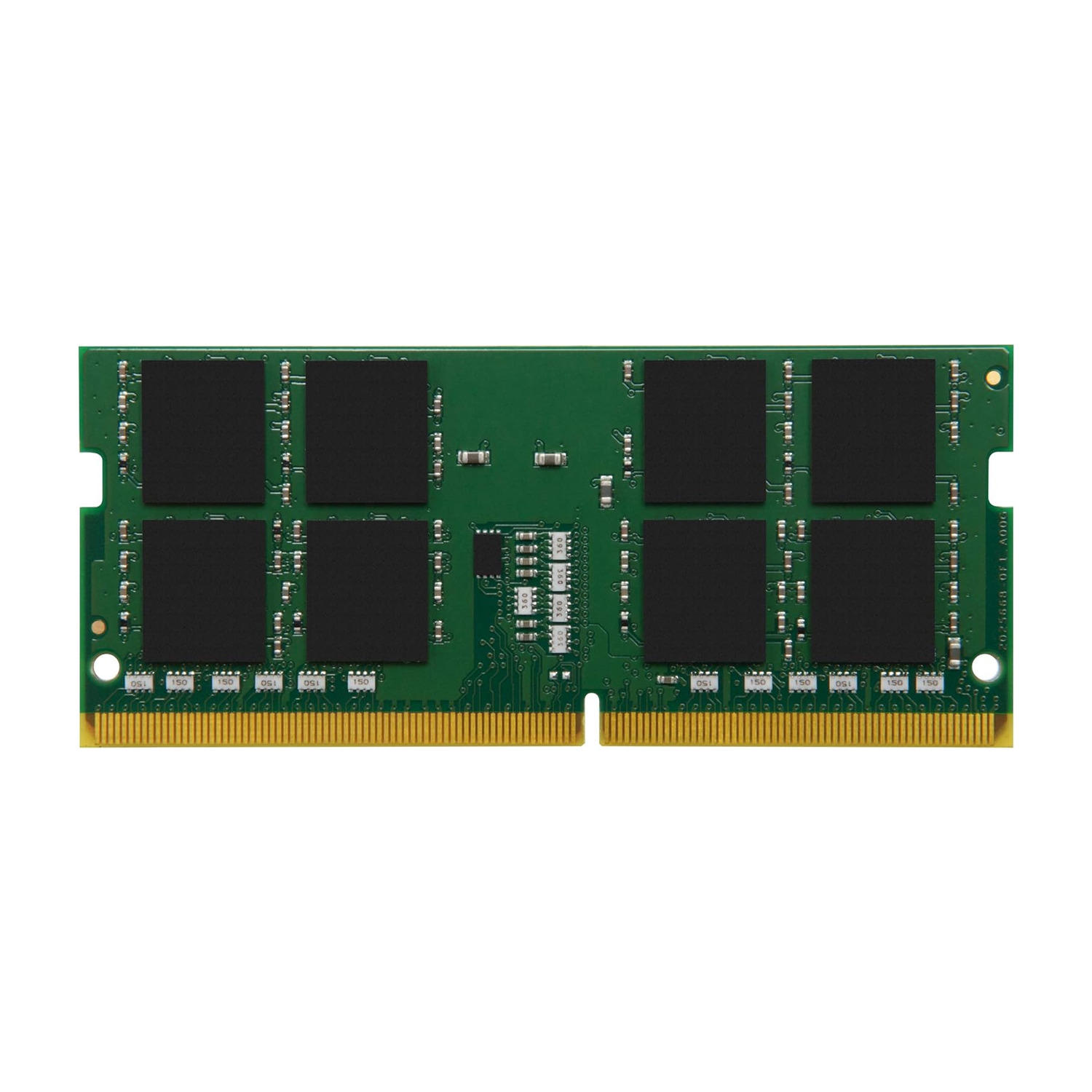
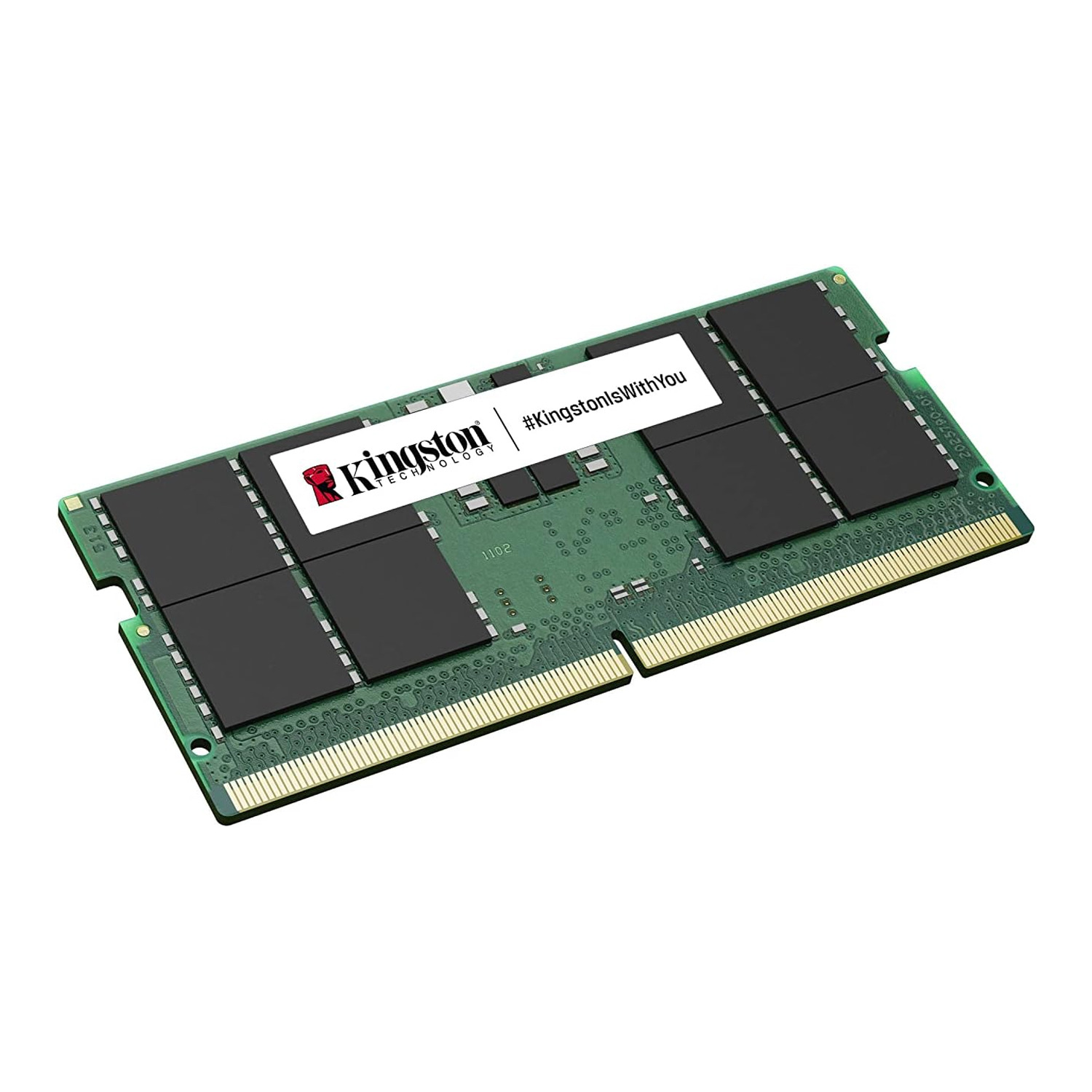
Kingston 16GB DDR5 5600MHz CL46 Laptop Memory

4
Ratings3
The Kingston 16GB DDR5 5600MHz CL46 Laptop Memory is designed for high performance and reliability. It features a speed of 5600MHz and a CL46 latency, suitable for enhancing multitasking and overall system responsiveness in laptops
KWD 64.125
KWD 68.615
SKU :
KVR56S46BS8-16
4 interest-free payments of KWD 17.153Learn more
Split into 4 payments of KWD 17.154 interest-free.Learn more
Taly
Estimated delivery:1 work day
Free return within: 14 days of purchase
Secure shopping your data is always safe
Overview

KINGSTON 16GB DDR5 5600MHZ CL46 LAPTOP MEMORY

  • All ValueRAM memory is 100% tested
  • ValueRAM is ideal for system builders and those who buy memory by specification
  • Please always check the compatibility with manufacturer before purchasing this DRAM module
  • Designed and tested to meet JEDEC industry standards
  • All Kingston products are backed by the support of a company with a 30+ year track record of product reliability and a commitment to our customers

IMPROVE PERFORMANCE WITH KINGSTON MEMORY

  • Kingston offers extremely reliable, high performance desktop memory and sells more laptop upgrade memory than anyone in the world.
  • Add reliable Kingston memory and watch your productivity soar. Pages will load faster and launching new applications will be easier and faster.
  • If your system is lagging, or a program doesn’t respond or won’t load, you may have a memory shortage. You may see subtle signs, like poor performance in everyday tasks, or you may be receiving “out of memory” messages.
  • Laptop and PC manufacturers often include standard low-capacity memory modules to reduce cost, which means even new computers may need memory upgrades right out of the gate. Two options: Remove and replace these existing smaller capacity modules, or fill unoccupied memory slots.
  • In some cases, memory modules of the same capacity must be installed in pairs to get the best performance from your system. Search for your system by name and model number with our memory finder, and we will provide detailed information on the best memory configuration to achieve the best performance for your system.
Back to top