










Everything important at a glance for this product

Delivery is available within 3 hours during working hours for products that do not require installation or assembly

Installment options available for this product: Tabby, Deema, Taly.

Backed by an authorized agent warranty on eligible products



 Estimated delivery:1 work day
 Free return within: 14 days of purchaseSecure shopping your data is always safe
Model OverviewThe Asus DSL-AC68U is a dual-band modem router designed for high-speed internet connectivity. It supports both ADSL and VDSL standards, providing versatile options for various broadband services. With a sleek design, it fits seamlessly into any home or office environment. | |
 | |
 | |
Wi-Fi PerformanceThis modem router delivers AC1900 ultimate performance, achieving data rates of up to 600 Mbps on 2.4 GHz and 1300 Mbps on 5 GHz bands. It supports multiple Wi-Fi standards, including 802.11ac, ensuring robust and reliable wireless connections for multiple devices. Access Point | |
Advanced DSL FeaturesEquipped with VDSL2 and ADSL2+ capabilities, the DSL-AC68U supports various profiles and compliance standards for enhanced connectivity. It features dual-priority ATM and PTM modes, ensuring efficient data transmission for both upstream and downstream activities. Router | |
 | |
 | |
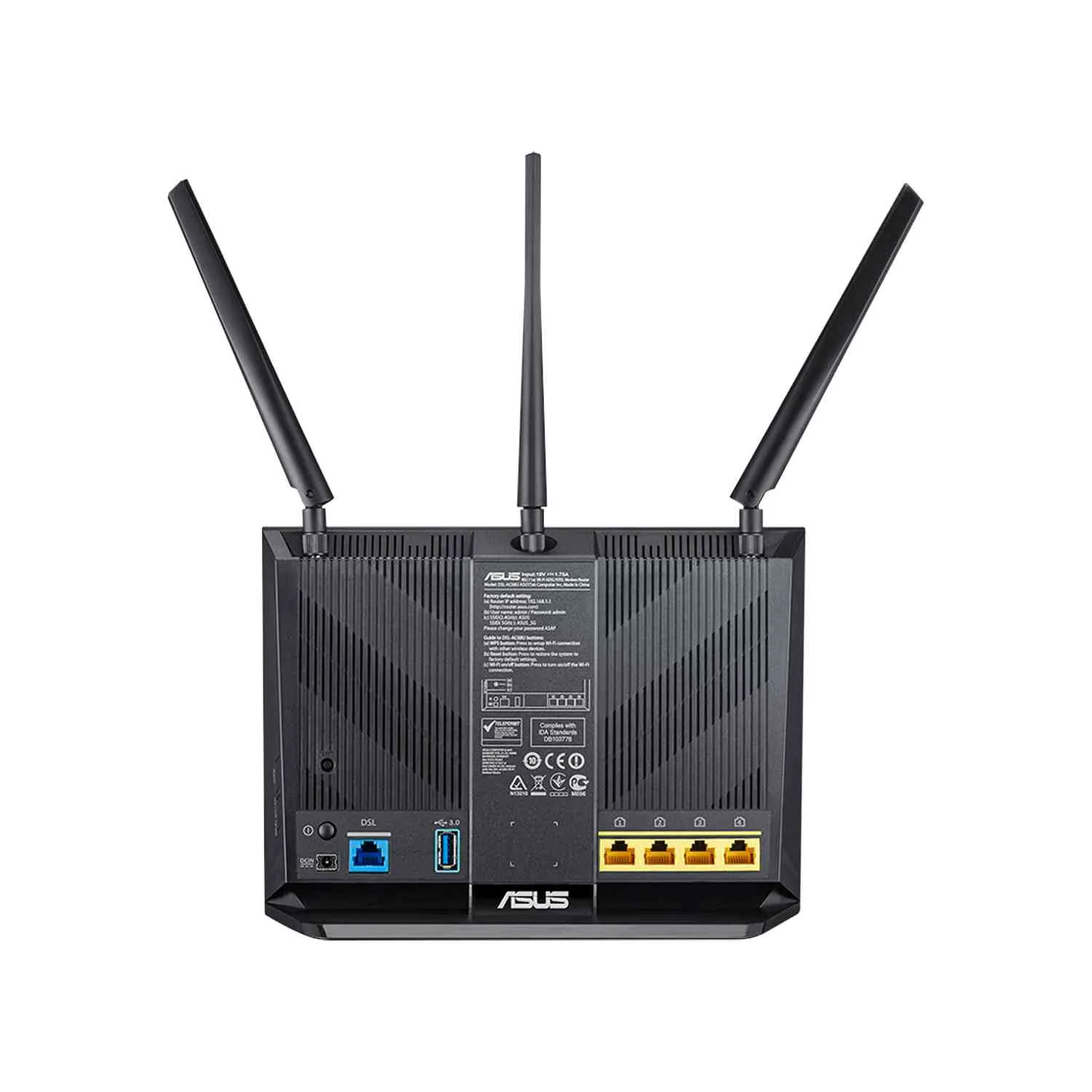
Connectivity OptionsThe device includes multiple I/O ports, featuring one RJ11 port for xDSL and four Gigabit Ethernet ports for LAN connections. Additionally, it offers a USB 3.0 port for connecting external storage or printers, enhancing your network's versatility. WiFi Router | |
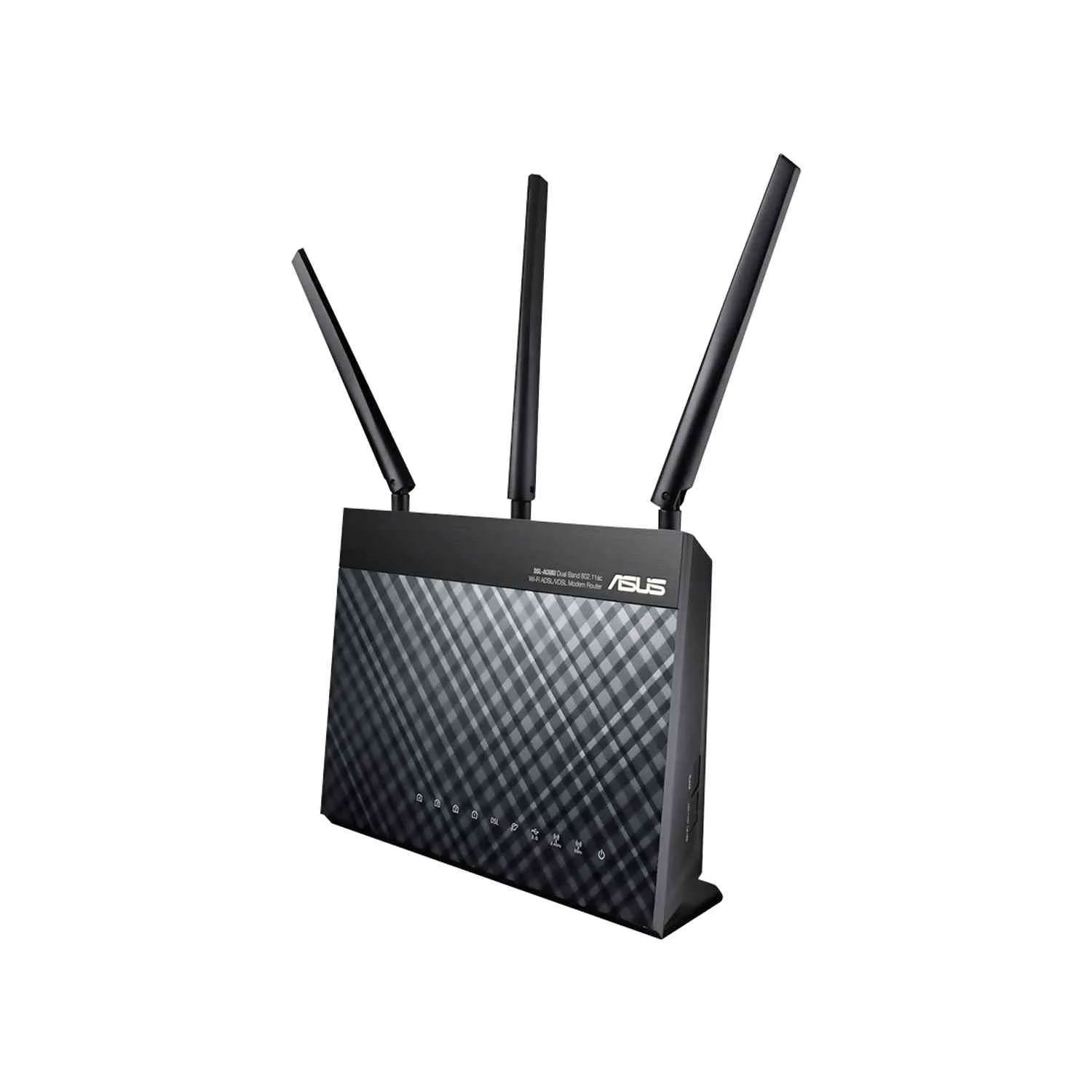
Wireless FeaturesThe DSL-AC68U is equipped with three external antennas for improved wireless coverage and performance. It includes advanced features such as airtime fairness and universal beamforming, which optimize the Wi-Fi experience for all connected devices. Mesh Router | |
 | |
 | |
User-Friendly DesignWith a user-friendly interface, the Asus DSL-AC68U simplifies network management. It includes features like a wireless scheduler, port forwarding, and IP address assignment, making it easy to customize and control your home network settings. Access Point |


 Login
Login

 العربية